
If you're considering the latest addition to the Series lineup, use this guide to discover the key changes
After completing our testing of the Apple Watch Series 11, it’s clear that the latest edition, as has become the tradition for Apple’s flagship smartwatch, is a story of refinement rather than revolution.
It follows the excellent Series 10 from 2024—a device that represented a significant design overhaul. As such, the Series 11 was never going to represent a major physical leap.
Instead, the focus is on a couple of major new software-driven health features and some subtle but meaningful hardware tweaks.
Now that we’ve completed our full, in-depth review of the Series 11, we can definitively answer the crucial question: are these changes enough to warrant an upgrade for Series 10 owners?
Below is our final, tested breakdown of how the Apple Watch Series 11 compares to the Series 10, helping you decide whether to make the jump. And if you’re looking for a broader look at what we recommend across the Apple smartwatch range, jump over to our complete Apple Watch upgrade guide.
Price and availability
The Apple Watch Series 11 launches at the same starting price as its predecessor, at $399 in the US. In some regions, such as the UK, it has seen a slight price reduction, starting at £369, compared to the Series 10’s original launch price of £399.
As is tradition, Apple no longer officially sells the Series 10. However, it will likely be widely available at a discount from third-party retailers over the coming months, making it a solid alternative to consider.
Design and display
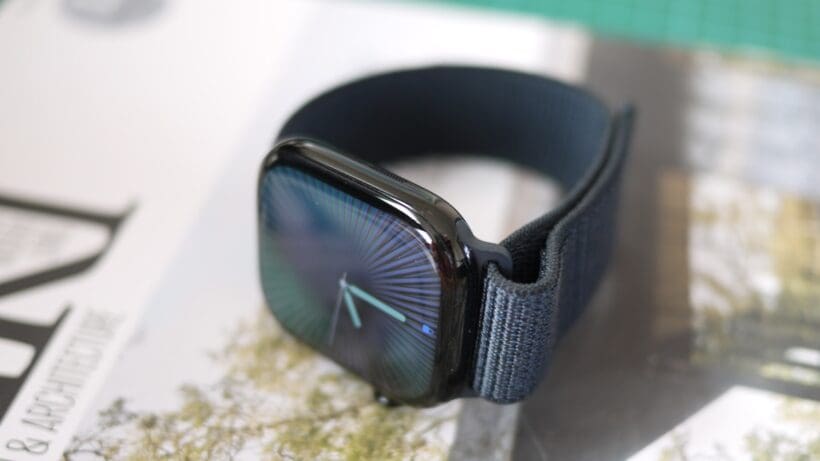
The Apple Watch Series 10 introduced a significant design change, with a bigger and thinner case in new 42mm and 46mm sizes. The Series 11 retains this same winning form factor.
The key change this year, confirmed in our testing, is durability. The aluminum models of the Series 11 (the titanium models retain the same sapphire crystal glass as the Series 10) feature a new Ion-X glass that Apple claims is 2x more scratch-resistant.
After a month of real-world testing—where we placed the smartwatch in backpacks and luggage alongside keys and chargers, and wore it during gym sessions and bashed it up against other wearables in sleep tracking—our review unit emerged without a single perceptible scratch.
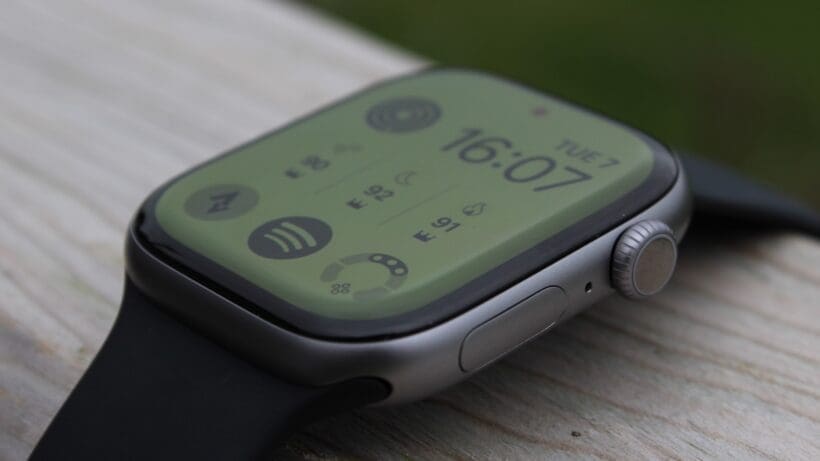
Now, it’s true that our Series 10 unit didn’t necessarily suffer tons of scratches (even in long-term wear), but it’s still a tangible and welcome improvement for a device worn 24/7.
While the physical dimensions are identical, the display experience feels subtly improved, thanks to the fluid animations of watchOS 26. There are also a few new color finishes, including a new space gray for aluminum models. Otherwise, this is the same excellent design, and the upgrade here is purely about long-term durability.
Health and sleep tracking
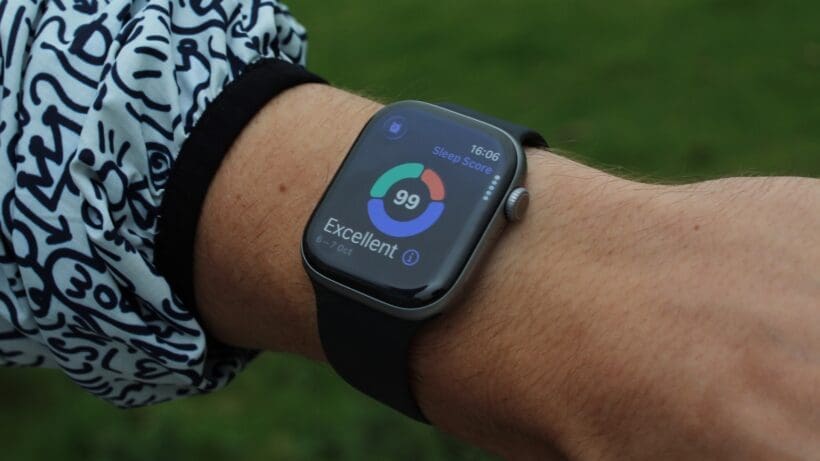
This is where the biggest new features have landed, but there’s a huge caveat.
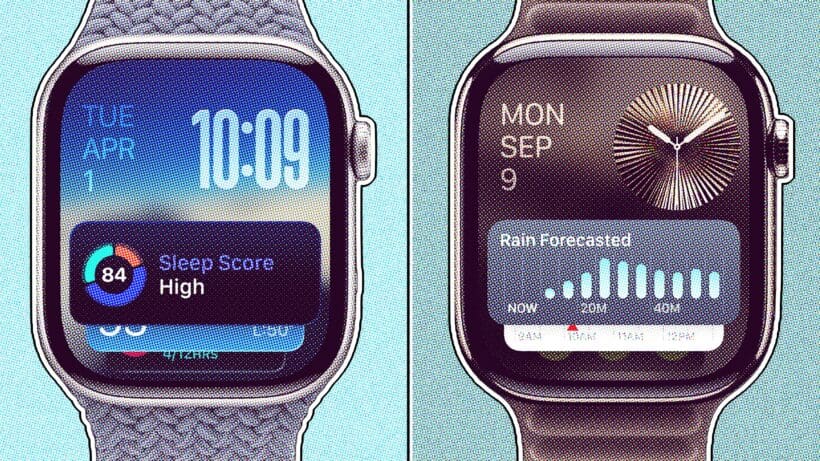
The two headline announcements—Hypertension Notifications and a native Sleep Score—are very notable additions to the Apple Watch ecosystem. The hypertension feature operates passively in the background to detect chronic signs of high blood pressure, while the Sleep Score provides users with a simple, actionable metric for their nightly rest.
However, both of these are watchOS 26 software features, and Apple has confirmed they will be rolling out to the Apple Watch Series 9, Series 10, and Ultra 2 (as well as arriving on Ultra 3).
This is great news for current owners, but it also means there are virtually no upgrades in this area if you have a Series 10.
The gap is, though, beginning to open up for those on a Series 8 or older, who won’t receive all the latest software smarts.
Sports tracking
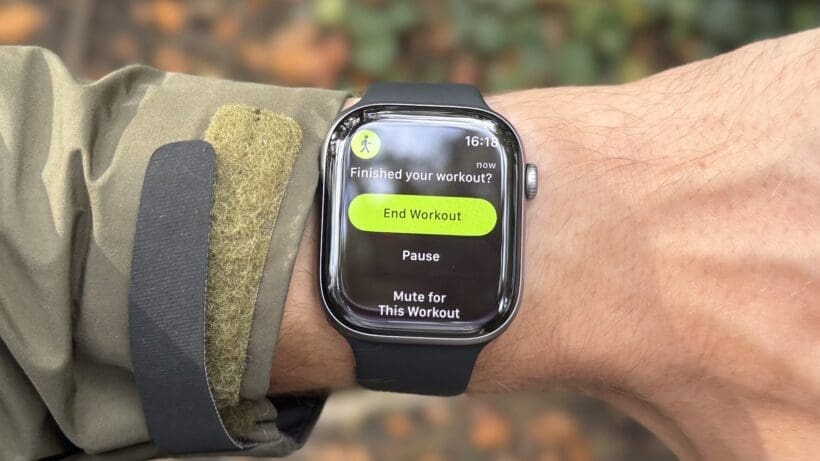
The core fitness tracking experience on the Series 11 is identical to the Series 10.
Both lack the dual-frequency GPS of the Ultra line. However, our in-depth testing for the Series 11 review confirmed that its single-band GPS performance—just as it was with the Series 10—is sneakily excellent.
While it tends to underreport total distance slightly compared to Garmin’s Multi-Band GPS setting, its tracks are just as clean in open, non-challenging environments, even outperforming some dual-band rivals in real-world use.
Similarly, its heart rate accuracy remains best-in-class. The Series 11—again, as with the Series 10—clung on admirably in the high-intensity interval training highlighted in our full review. It captures sharp peaks and troughs with minimal latency, a feat that many other wrist-based sensors struggle with.
For fitness tracking, the Series 11 offers no new reason to upgrade from the Series 10, with the key upgrades — Workout Buddy and the redesigned Workout app — arriving via watchOS 26. Yet, our testing reaffirms that both devices are superb, accurate performers.
Battery life and performance
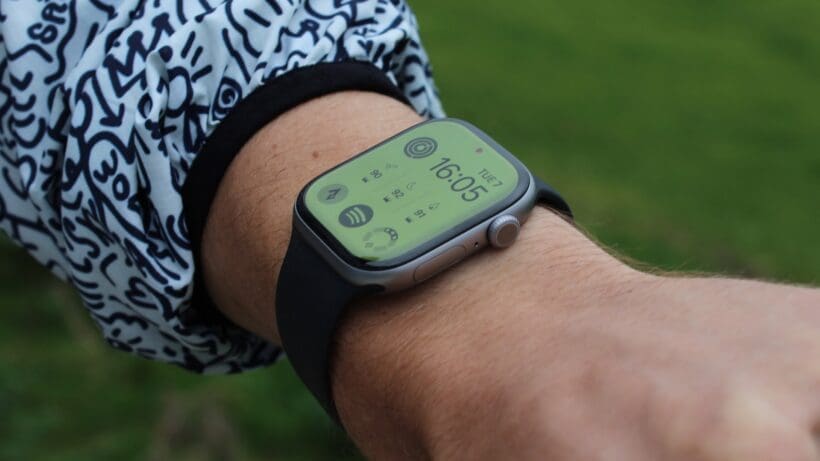
This was our biggest question mark before we posted our Series 11 review. For this latest edition, Apple finally dropped its stubborn ’18-hour’ battery estimate and replaced it with a 24-hour claim.
However, our extensive testing (and Reddit sleuthing) revealed that this is more of a marketing correction than a significant hardware improvement. The new estimate now includes six hours of power-efficient sleep tracking in its protocol, a feature that previous tests didn’t include.
In the real world, the Series 11’s battery life is only slightly better than the Series 10—but, even then, not to a game-changing degree. It’s still fundamentally a device that you’ll need to charge every day, or every other day at most. With the always-on display, a daily GPS workout, and sleep tracking, you still won’t make it through two full days.
A positive here is that battery drain remains incredibly consistent and predictable. Still, if you were hoping the Series 11 would finally break the daily charging cycle, we’re here to disappoint. The Ultra remains the only true multi-day Apple Watch.
Final verdict: Should you upgrade?
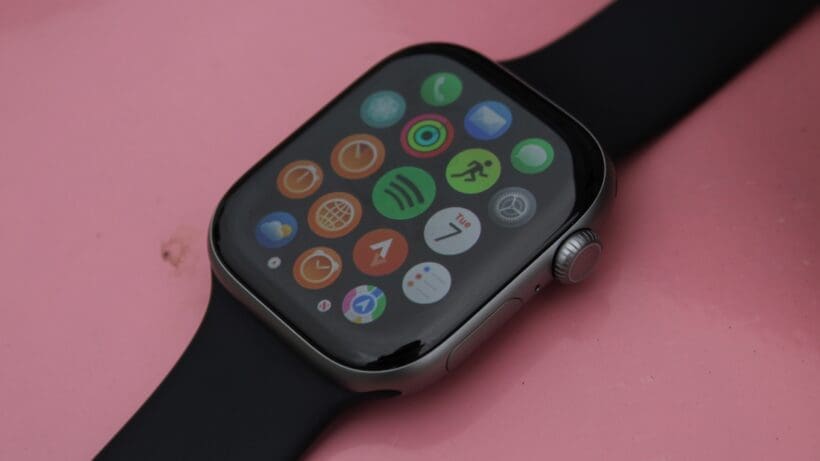
It almost goes without saying that the Series 11 is the most capable Apple Watch Series smartwatch ever produced, just as the Series 10 was last year.
If you’re new to the Apple smartwatch game, are happy with paying full price for the latest tech, and understand its battery life caveats, picking up the Series 11 means gaining access to our top-rated smartwatch for most iPhone users.
However, this comparison is less about the obvious answer to that question and more about pointing you in the right direction regarding upgrades. With that in mind, here’s what we recommend following real-world testing:
If you own an Apple Watch Series 10
No. This is an easy decision. The most significant new health features are coming to your watch via a free software update. The hardware changes—a more durable screen and a marginal battery improvement—are welcome but are not compelling enough to warrant spending the money on an upgrade.
If you own an Apple Watch Series 9
This is a tougher call, but we would still lean towards sticking with what you have. You’re also receiving the key software updates for Hypertension Notifications and Sleep Score. You would gain the larger, thinner design of the Series 10/11. Yet, unless that is a major pain point for you, it’s worth waiting for a more significant leap.
If you own an Apple Watch Series 8 or older
Yes. The upgrades are now significant and cumulative—particularly if you’re in the ‘or older’ segment here. With an upgrade, you’ll get a much larger and brighter display, a thinner and more durable build, faster processing, and the full suite of new and recent features like sleep apnea alerts, Double Tap, and Hypertension Notifications. The upgrade will feel substantial.