
Get to know the story behind what your watch is dishing out from your water time
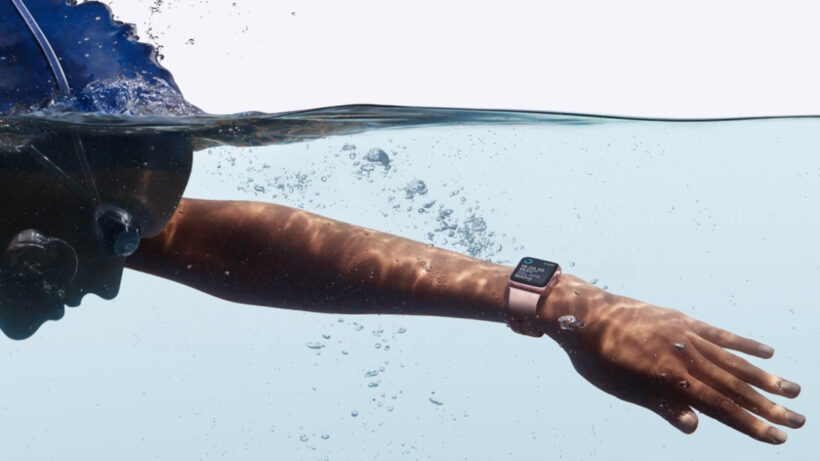
In the last few years, serious swimming metrics have graduated from dedicated sports watches onto smartwatches from the likes of Apple, Google, and Samsung.
These wearables can all help you massively improve your swimming. However, as with any piece of tech, you have to know how to use it to make the most of it. This is the guide for swimmers baffled by the insights being produced by their watch.
We’ve broken down some of the most common metrics used to measure swimming to tell you what they mean in easy-to-understand, jargon-free terms. That way, you can build a picture of how you’re actually performing in the pool, and see where there’s room for improvement.
Got any questions about the swimming metrics below? Let us know in the comments and we will see if we can lend a helping hand.
What is SWOLF?
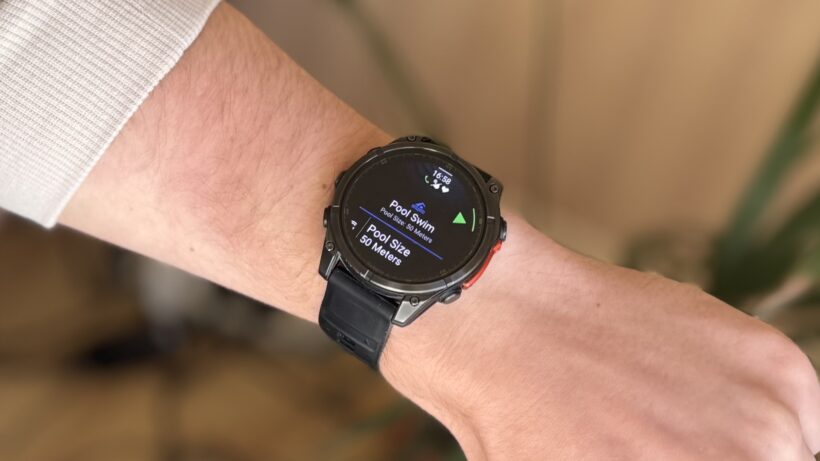
This might be the most confusing term, but also the most helpful. SWOLF is a way to measure how effectively you’re swimming.
It’s a blend of the terms ‘swim’ and ‘golf’. What’s golf got to do with anything? Well, SWOLF functions like a golf handicap – the lower your SWOLF score, the more efficient your stroke. And the more efficient your stroke, the better swimmer you are.
It’s calculated by adding the time it takes to swim one length of the pool to the number of strokes for that length. So, if it takes you 30 seconds to swim a 25m length, and you do it in 14 strokes, your SWOLF will be 44.
But that’s just one length. Obviously you’ll get a more accurate score if you take the overage over a session, which most swimming-enabled wearables will do.
Improving your SWOLF
There are two ways to improve your SWOLF: swim faster and take fewer strokes. If you can improve on both counts, you’ll see your SWOLF score drop through the floor.
Improving your stroke technique should naturally make you a faster swimmer, so it’s better to focus on that instead of just pushing harder.
So what’s a good score? If you average between 35 and 45, you’re doing well (though obviously, the pros will score much lower).
That’s for a 25-meter pool, too. Remember that longer pools will lead to a higher SWOLF score, so don’t get discouraged if your score varies greatly depending on where you swim. You can also calculate it yourself by adding your average pace and strokes for a direct pool-by-pool comparison.
If your SWOLF score is decreasing, congratulations, you’re getting better. If it’s going in the opposite direction, something’s off since you’re becoming less efficient. It’s time to focus on improving your stroke technique.
Pace
This is your speed, expressed as minutes per 100 meters. It is calculated by dividing your total distance by your time. So, if you swim 1,000 meters in 21 minutes and 58 seconds, your pace would be 2:12 per 100 meters (which is 2.7 km/h or 1.7 mph).
Most wearables provide two pace figures: your average pace for the entire swim session and your best pace. Your best pace covers a much shorter distance and shows how fast you can go at full speed.
Remember, if you’re calculating your pace yourself with an online calculator, you should use your moving time instead of your total time. This naturally leads us to…
Time
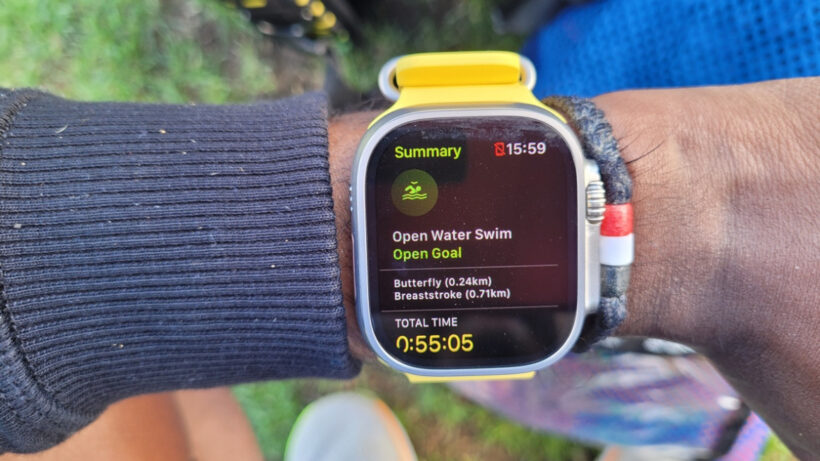
This isn’t as simple as you think. Some swim tracking wearables break it down into total time, moving time, and elapsed time.
Moving time is simply how long you actually spend swimming lengths, which is pretty straightforward. But what’s the difference between total time and elapsed time?
Elapsed time is the total time that passes during the current swim session. For example, if you swim for 10 minutes, rest for five, and then swim another 10 minutes, the total elapsed time will be 25 minutes.
The total time, however, is the entire duration of the workout, including any pauses in the rest timer. Therefore, if you need to stop your session to retrieve a pull buoy from the poolside, the total timer still includes that time.
Interval
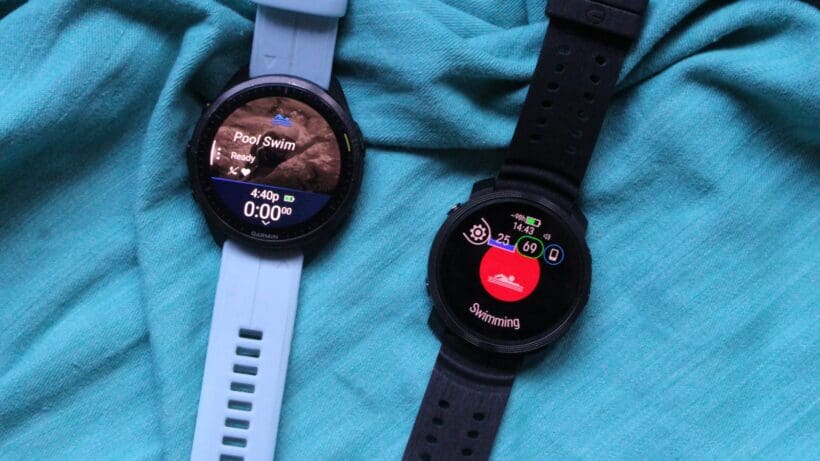
This is a section of your swim session for which you measure the time. Intervals can vary in terms of distance and in terms of time.
For example, you could swim 200m freestyle at a 4 minute pace, which, when written down on a training plan, would look like this: 1x 200 Fr @ 4:00. The ‘1’ is the number of sets you’re doing, ‘200’ is the distance in metres, ‘Fr’ is the stroke type, and ‘4:00’ is the time in minutes. All of it is the interval, even if it includes more than one set.
This interval includes both swimming time and rest time, so it doesn’t mean you’ll necessarily be swimming for the entire four minutes. Allow us to explain.
Four minutes is the time of the entire interval. Therefore if you swim 200m in three minutes and 30 seconds, you’ll have a 30 second rest before the start of the next interval. But if you swim it bang on four minutes, you’ll have to go straight into the next interval. Gruelling.
The advantage of using intervals is you can calculate exactly how long your training session will take. It’s also a handy way of tracking if you’re getting faster – the longer your rest periods become between intervals, the more efficiently you’re swimming.
The downside? If you’re struggling to hit the pace, there’s no let up, as your rest times will be reduced. If that’s you, you’re probably on a training programme that’s too advanced, so you should try an easier one.
Stroke count
Again, most swim trackers categorize this into different sections: total strokes, average stroke rate, maximum stroke rate, and average strokes.
Total strokes refer to the number of strokes you took during your session. This number should be in the hundreds, or even thousands if you’re swimming longer. For example, in a 22-minute swim, we logged 559 strokes, all freestyle.
Your average stroke rate is the total number of strokes you took per minute during your swim. For example, 25 strokes per minute is just under one every two seconds. Your maximum stroke rate is the highest number of strokes you managed in a minute (in our case, 28). Your average strokes per length are calculated based on your total; we averaged 14 strokes per length for this swim.
The Apple Watch calculates your average pace and strokes over a set distance, not over a specific time. You can view this per 100m, per 50m, or per 25m. Since most pools are 25m or 50m long, you should easily be able to see your average strokes per length.
Calories
Some trackers show the total burned, while others break it down into active calories (the calories burned during actual swimming) and total calories (the overall calories burned during the session, including resting calories you would burn anyway, even if you weren’t moving).
Stroke type
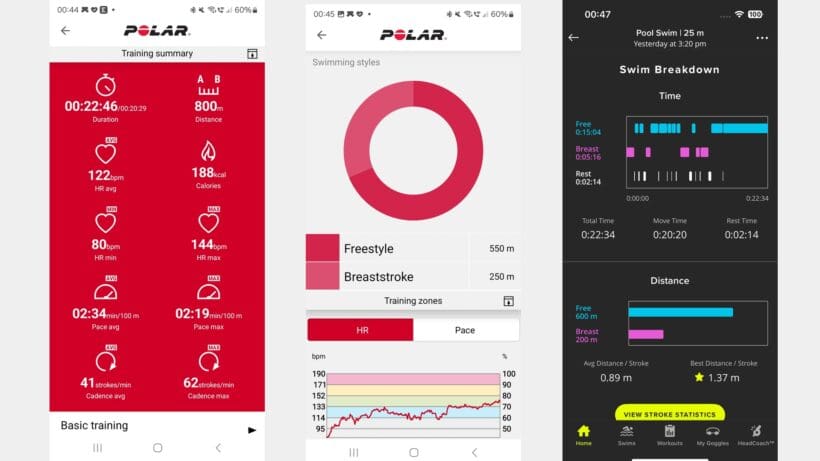
More advanced swim trackers can identify which stroke you’re using, which is quite clever. There are four types: front crawl (or freestyle, as it’s commonly called), breaststroke, backstroke, and butterfly.
There’s also an individual medley (or IM). This involves a swimmer performing each of the four strokes for a quarter of their session or race.
If you perform different strokes within the same interval (meaning you don’t stop and restart the timer when switching strokes), most swim trackers will just classify your stroke type as ‘mixed’.
Heart rate
There’s a debate about the value of heart rate data for swimmers. Like running or cycling, it’s a great way of measuring workout intensity and how hard you’re working in those sessions.
Some smartwatches measure your heart rate while you’re swimming, while others disable the function, claiming it wouldn’t be accurate because of the interference from the water.
If you want decent heart rate data while swimming, you’re better off with a heart rate monitor that straps around your chest. This still isn’t perfect, in our experience, since water can still dislodge the sensor, but it’s always our advice when accuracy is paramount.